My Accounts
The My Accounts panel displays your available currency accounts and recent transaction activity.
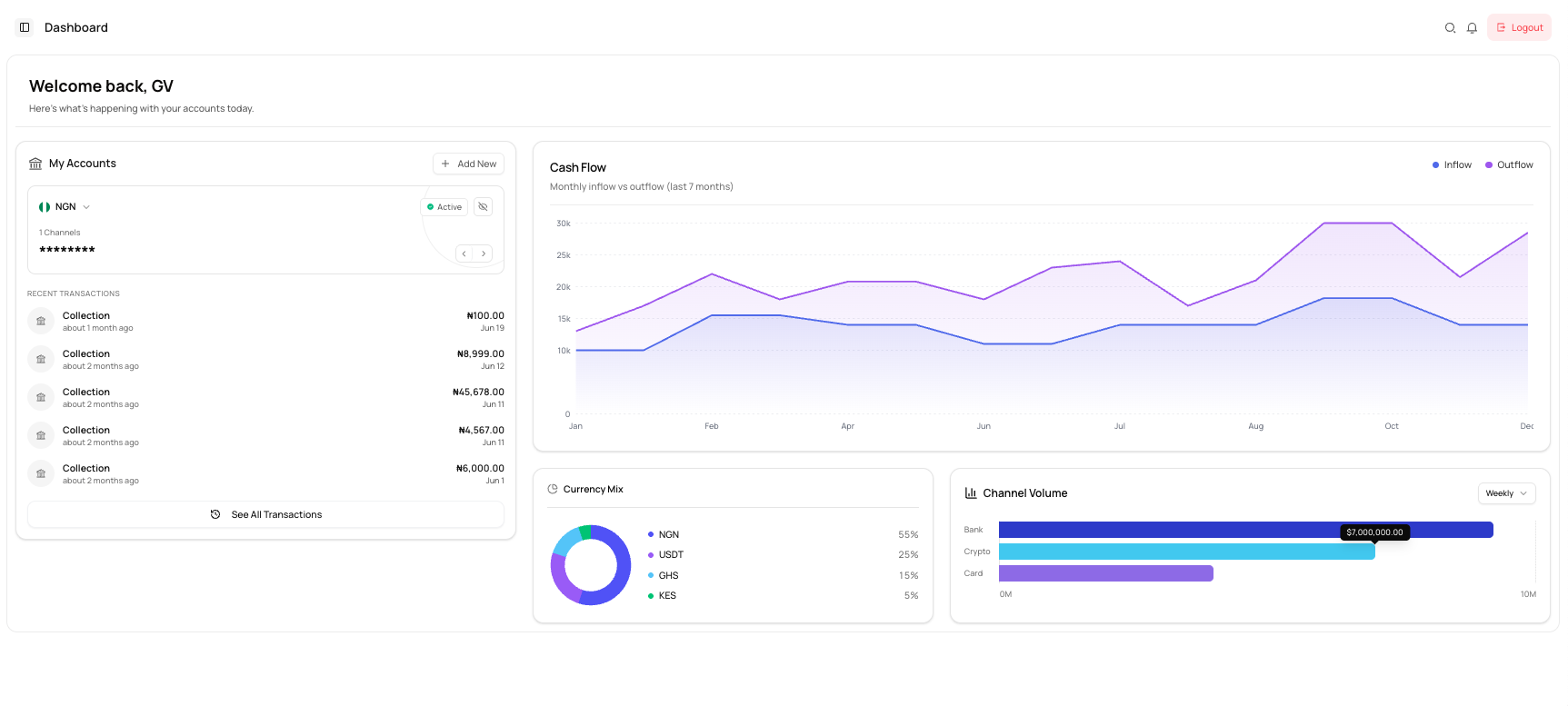
Account card
Each account card may show:
| Item | Description |
|---|---|
| Currency | The currency assigned to the account, such as NGN. |
| Status | Shows whether the account is active. |
| Channels | The number of available collection or funding channels. |
| Account number | The account number, masked by default for privacy. |
| Visibility control | Use the eye icon to show or hide the account number. |
| Navigation arrows | Move between available accounts. |
Add a new account
Select Add New to begin opening another supported account.
The currencies available to you depend on the products and markets enabled for your business.
View an account number
Locate the account card
Find the account you want to view.
Select the visibility icon
Use the eye icon beside the account status.
Hide the number when finished
Select the icon again to mask the account number.
Only reveal account details when necessary. Avoid sharing account information through unsecured channels.
Recent transactions
The Recent Transactions section shows the latest transactions linked to the selected account.
Each entry may include:
- Transaction type
- Approximate transaction time
- Amount
- Transaction date
Select See All Transactions to open the complete transaction list.
Switch between accounts
Where multiple accounts are available, use the navigation arrows in the account card to move between them.
The recent transaction list may update to match the selected account.
Common issues
I cannot see an account
The account may not have been created or enabled for your business. Select Add New or contact Ryno Support.
The account number is hidden
Select the visibility icon on the account card to reveal it.
The account shows Inactive
The account may still require activation or review. Contact Ryno Support if you expected it to be active.
I cannot see recent transactions
The selected account may not have recent activity. Select See All Transactions to check the complete history.